
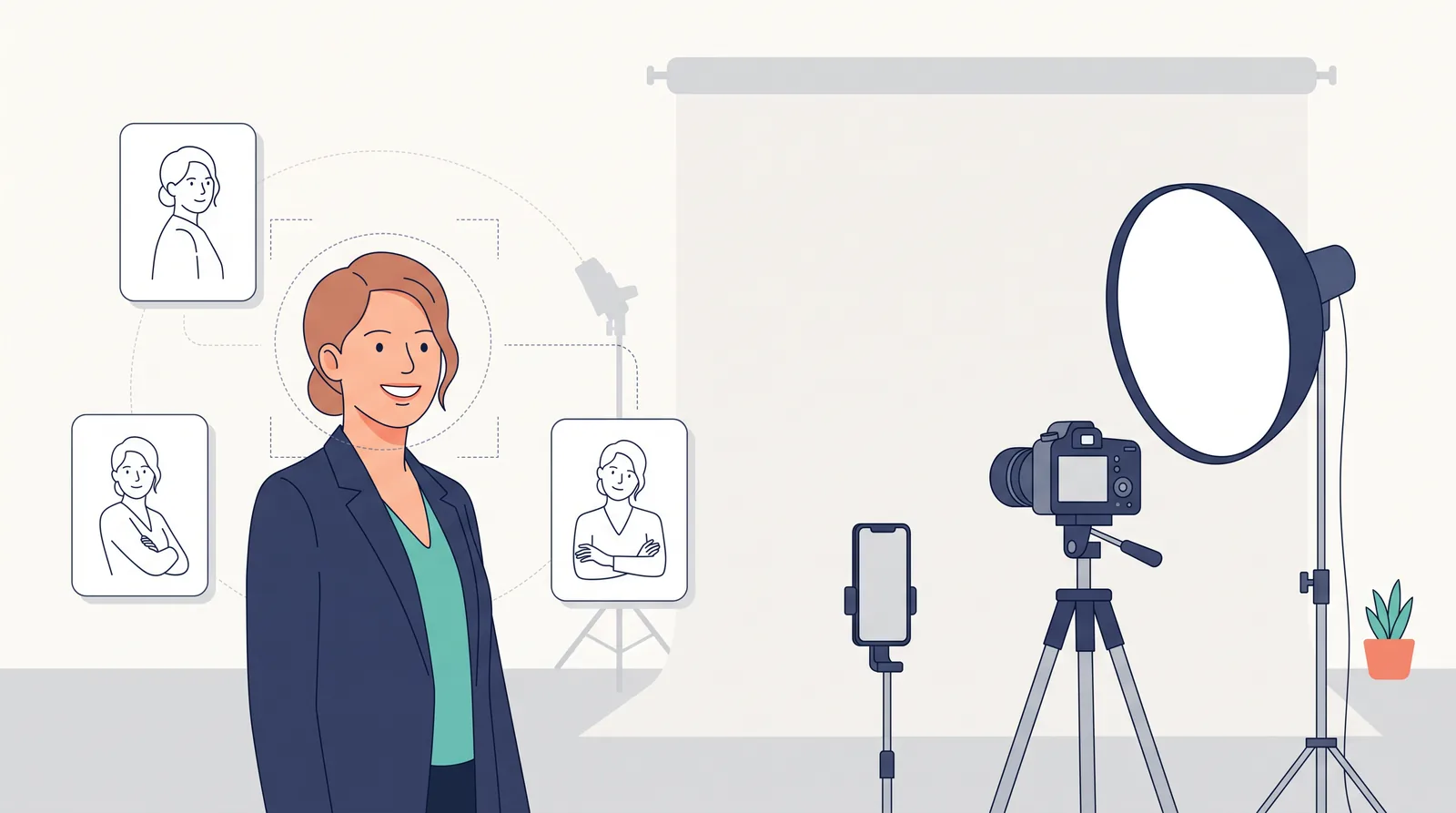
Headshot Poses: 12 Natural Poses That Work for Everyone
You booked the session. You picked the shirt. Then the photographer says "just relax," and your body does the exact opposite.
Shoulders creep up. Your smile freezes. Your hands suddenly feel like they belong to someone else.
It's the most common headshot problem, and it has nothing to do with how photogenic you are. It's a posing problem, and posing can be learned in about ten minutes. This guide gives you 12 headshot poses that work for men and women, the three poses to skip, and a short checklist you can run through before the camera clicks. It also covers something most posing guides ignore: how to "pose" the selfies you upload to an AI headshot generator.
Why Your Pose Matters More Than Your Camera
People judge faces fast. In a well-known Princeton study, participants formed judgments of trustworthiness and competence after seeing a face for just 100 milliseconds, and longer viewing mostly made them more confident in those first calls rather than changing them.
Small posing choices shift those judgments. Photofeeler analysed more than 60,000 ratings of 800 profile photos and found that:
- A smile with teeth gave the biggest lift in likability of anything tested.
- A slight "squinch" (lower eyelids raised a little) improved perceived competence, likability and influence.
- A defined jawline helped on all three scores.
- Head-and-shoulders or torso crops beat both face-only close-ups and full-body shots.
None of these needs a better camera. All of them are posing.
Interest in Headshot Poses Is Climbing
We pulled US search data for this guide through DataForSEO (Google Ads data, November 2026). "Headshot poses" reached about 3,600 monthly searches in October 2026, up from 2,400 in November 2025, which is roughly 50% growth in a year. Related searches follow the same pattern:
| Search term (US) | Avg. monthly searches | What people want |
|---|---|---|
| headshot poses | 2,900 | General pose ideas |
| professional headshot poses | 720 | Business-safe poses |
| headshot poses female | 590 | Poses for women |
| headshot poses for men | 480 | Poses for men |
| business / corporate headshot poses | 320 each | Office and LinkedIn poses |
| headshot posing guide | 260 | Step-by-step help |
Source: DataForSEO Keywords Data API, Google Ads, United States, 12-month average to October 2026. Volumes are estimates and grouped by Google.
Our reading: more people are getting headshots without a director in the room. That includes phone self-portraits, quick office photo days and AI headshot tools. Without a director, they're looking up the coaching themselves.
The 4 Rules Behind Every Good Headshot Pose
Learn these four rules and the 12 poses below become easy variations.
- Angle the body, square the face. Turn your shoulders 30 to 45 degrees from the camera, then bring your face most of the way back. A body that faces the camera straight on looks wider and more rigid.
- Forehead out and down. Headshot photographer Peter Hurley popularised this one. Push your forehead slightly toward the lens and tip your chin down a touch. It feels odd, but it tightens the jawline and stops the "double chin" shadow. It's the same jawline effect that scored well in Photofeeler's data.
- Shoulders down, weight back. Exhale, roll your shoulders back and let them drop. Put your weight on your back foot. Tension shows up in the neck before it shows up in the face.
- Eyes do the work. Look through the lens, not at it. Add a light squinch by raising your lower eyelids slightly, as if you're reading something a little far away. Wide eyes read as nervous. Slightly narrowed eyes read as confident.
12 Headshot Poses That Work
1. The Classic 45-Degree Turn
This is your default pose. Turn your body 45 degrees, bring your face back toward the camera and lean the forehead slightly forward. It works for LinkedIn, company websites and almost any use. If you only take one pose, take this one.
2. The Square-On Directory Pose
Face the camera directly, drop your shoulders and tilt your head a few degrees. Companies love it because every employee photo lines up neatly on a team page. If you're shooting a whole team, this is the pose to put in your company headshot style guide.
3. The Slight Head Tilt
Start from pose 1 and tilt your head 5 to 10 degrees toward your higher shoulder. It softens the look and makes you seem approachable, which works well for coaches, healthcare and sales. Keep it subtle. A big tilt starts to look like a question mark.
4. The Over-the-Shoulder Glance
Turn your body almost side-on, then look back at the camera over your near shoulder. It's dynamic and a little dramatic, which suits creatives, musicians and some actor headshots. It's usually too stylised for a bank's website.
5. Loosely Crossed Arms
This is for wider, chest-up crops. Cross your arms low and loosely, with your fingers resting on your arms rather than gripping them, and pair it with a real smile. It reads as confident and at ease. With a serious face it can look defensive, so the smile matters.
6. The Seated Lean-In
Sit on the front half of a stool, back straight, and lean slightly toward the camera from the hips. Leaning in reads as interest and engagement. It also hides tension in the legs and feet, which helps if standing makes you fidgety.
7. The Light Chin Touch
Rest the back of your fingers or your knuckles lightly near your jaw, without any pressure. It suits personal brands, authors and consultants. Pressing your hand into your face squashes your skin and looks staged, so think "hovering", not "propping".
8. The Shoulder-to-Wall Lean
Lean one shoulder against a wall or doorframe at an angle and cross the far ankle over. It's relaxed and conversational, so it's great for outdoor shots, startup About pages and creative industries. Keep your head upright so the lean stays in your body, not your neck.
9. Hands at the Jacket or in Pockets
This is for three-quarter or waist-up shots. Rest one hand at your jacket's edge, or slide one or both thumbs into your pockets. It gives your hands a job, which is usually all they need. It's a strong pick for executive and website hero images.
10. The Laugh-Then-Settle
Laugh for real: think of something funny or let the photographer make you laugh. Then let the laugh fade into a smile while the camera keeps firing. The frames just after the laugh usually look the most natural you'll get. Remember Photofeeler's finding that a full laugh can cost perceived competence, so the "settle" frame is the one you want.
11. The Confident Closed-Mouth Look
Use pose 1 or 2, keep your lips relaxed and closed, add the squinch, and think of a moment you were proud of. It's the go-to second look for lawyers, finance, security and actors who need a dramatic option. Shoot it alongside a smiling version, not instead of one.
12. The Chest-Up Power Stance
Stand tall with your feet hip-width apart and shoulders back, with the camera slightly below eye level. It suits founders, speakers and anyone whose headshot goes on a conference slide. Keep the camera only slightly low. Too low and the viewer ends up looking up your nose.
Quick picker by use
| Where the photo goes | Start with | Add |
|---|---|---|
| 1. Classic 45° | 3. Head tilt, 10. Laugh-then-settle | |
| Company team page | 2. Square-on | Keep it identical for everyone |
| Real estate and sales | 1. Classic 45° | 5. Crossed arms, 9. Jacket or pockets |
| Actors | 11. Closed-mouth | 4. Over-the-shoulder, 10. Laugh-then-settle |
| Speakers and founders | 12. Power stance | 6. Seated lean-in |
For role-specific advice, see our guides to LinkedIn headshots and real estate headshots.
Headshot Poses for Men vs Women: What Actually Changes
Less than most listicles suggest. The four rules apply to everyone. The real differences come from clothing, hair and the look you want, not gender.
- Broad shoulders or a strong frame: a deeper body turn (closer to 45 degrees) and forehead-forward stop the photo from feeling boxy. Poses 1, 5 and 9 suit this build.
- Long hair: decide before the shoot whether your hair goes behind both shoulders, in front of one, or up. Hair in front of the far shoulder plus a slight tilt (pose 3) frames the face nicely.
- Open collars and V-necks: angle the body (pose 1) so the neckline doesn't become the centre of the frame.
If anyone tells you "men cross their arms, women tilt their heads," ignore them. Choose the pose that fits the job and the person.
3 Headshot Poses to Skip
- The chin-up "power" pose. Lifting your chin feels confident but shows the underside of your jaw and nostrils, and it reads as arrogant. Bring the forehead forward instead.
- The death-grip arms. Crossed arms with white knuckles and raised shoulders look defensive. If you can't relax them, drop the arms out of frame.
- The arm's-length selfie. Phones held close to the face distort it. A 2018 study in JAMA Facial Plastic Surgery modelled how short-distance selfies make the nose look noticeably larger than photos taken from about five feet away. Use a timer, a tripod or a friend, and stand farther back.
How to Pose for AI Headshots
AI headshot tools are where posing advice is most out of date. When you upload selfies to an AI generator, the model mainly learns your face: its shape, features, skin tone and typical expressions. It then invents the outfit, background, lighting and usually the body pose. (Our explainer on how AI headshot generators work covers why.)
That changes what "posing" means. You're not posing for one final photo. You're giving the model good reference material. Here's what tends to make the biggest difference:
- Distance first. Shoot from at least arm's length, ideally 1.5 to 2 metres (5 to 6 feet) with a timer. Close-range selfies feed the distortion problem above straight into the model.
- Vary your head angle. Include straight-on, slight left turn and slight right turn. Models trained only on straight-on selfies often produce stiff, passport-style results.
- Two expressions. Upload some smiling-with-teeth photos and some neutral or closed-mouth ones, so the generator can produce both.
- Eye level, soft light. Face a window. Overhead light creates eye-socket shadows that some tools treat as part of your face.
- Nothing in the way. No sunglasses, hats, heavy filters, group photos or hands covering your face.
The results vary a lot between tools. Some respect your expression closely and others apply one "default smile" to everyone. Before you pay, compare them in our AI headshot reviews or start with the best free AI headshot generators.
Your 60-Second Pre-Shot Posing Checklist
Run through this right before the first frame, whether a photographer, a phone timer or an AI upload is involved:
- Exhale and drop your shoulders.
- Put your weight on your back foot.
- Turn your body about 45 degrees and bring your face back to the camera.
- Push your forehead slightly forward and down.
- Add a light squinch.
- Smile at someone you like, not at the lens.
- Check your hands: out of frame, or doing one simple thing.
- Take a few frames, change the angle a little, and repeat.
Posing won't fix a bad background or harsh light, and it won't help if you're not happy with what the session costs. For those, see our professional headshots guide and headshot cost guide. But posing is the one part you control in every setting, and it costs nothing.
Frequently Asked Questions
What is the best pose for a headshot?
For most people it's the classic 45-degree turn: shoulders angled about 45 degrees away from the camera, face turned back toward the lens, forehead slightly forward and down, shoulders relaxed. It slims the frame, defines the jawline and still feels open. Use it as your safe first pose, then try variations.
How do you pose for a headshot without looking awkward?
Awkwardness usually comes from tension, not the pose. Exhale before each frame, drop your shoulders, keep your weight on one foot and move slightly between shots instead of freezing. Most photographers expect the first 10 to 20 frames to be warm-ups, so don't judge yourself on them.
Should you smile with teeth in a headshot?
For most business and LinkedIn headshots, yes. Photofeeler's study found a smile with teeth gave the biggest boost to likability and also improved perceived competence. A full laugh raised likability but cost competence and influence. Actors and some legal or finance roles may also want a confident closed-mouth version.
What should I do with my hands in a headshot?
In a tight head-and-shoulders crop, keep them out of the frame. In wider crops, give them one simple job: loosely crossed arms, a hand on a jacket edge or hands in pockets. Avoid gripping, fists and pressing your hand into your face.
How should I pose for AI headshot selfies?
Upload clear, well-lit photos taken from at least arm's length (better, with a timer), at eye level, with a mix of straight-on and slightly turned head angles and both smiling and neutral expressions. Skip sunglasses, hats, filters and group shots. The AI invents the outfit and background, so your face is what matters.
Sources
- Willis & Todorov (2006), "First impressions: making up your mind after a 100-ms exposure to a face", Psychological Science
- Photofeeler: "The Perfect Profile Photo" research study
- Ward et al. (2018), "Nasal Distortion in Short-Distance Photographs: The Selfie Effect", JAMA Facial Plastic Surgery
- Peter Hurley Photography
- DataForSEO Keywords Data API (Google Ads), US search volumes, retrieved 17 November 2026