
Black and White Portraits: How to Light, Edit and Use Them (Including for Your Headshot)
Search "black and white portraits" and Google can't decide what you want. When we checked the US results in November 2026, the top two results were a Pinterest board and a stock photo library. Further down were a few how-to guides, and the AI Overview finished by asking whether you wanted shooting tips, help converting a color photo or a print to hang on the wall.
The most useful how-to guides on that page were written about a decade ago, for people with a studio and a DSLR. None of them covers the black and white portrait most people actually need now: a headshot or profile photo for LinkedIn, a company website, a speaker bio, a casting profile or a dating app.
This guide covers both. First, the craft: why some monochrome portraits look striking and others look flat, and how to light and convert them properly. Then the practical part: when a black and white headshot helps, when it hurts, and how to make one with a phone, Lightroom or an AI headshot tool.
Why Black and White Portraits Work
Take away color and the viewer has three things left to look at: light, shape and expression. There's no red jumper or green wall pulling the eye away, and no orange cast from a street lamp. That's why black and white portraits feel timeless, and also why they're unforgiving. If the light is dull, there's nothing to hide behind.
Three qualities separate a strong black and white portrait from a desaturated snapshot:
- Tonal separation. The face is clearly lighter or darker than whatever is behind it.
- Directional light. Shadows on one side of the face show its shape. Flat, front-on light from a phone flash or ceiling panel removes them.
- Sharp, lit eyes. In a monochrome image the eyes carry the expression. A small bright catchlight in each eye makes the portrait feel alive.
Why Your Black and White Portraits Look Flat
This is the most common complaint, and it usually has a technical cause.
Your camera records color. Converting to black and white means deciding how bright each color should become as a shade of gray. A standard formula, the one used for HDTV and the sRGB color space, weights the three channels like this: luminance = 0.2126 × red + 0.7152 × green + 0.0722 × blue. Green dominates and blue barely counts.
So two colors that look completely different can land on almost the same gray. A navy blazer against a dark green wall, or a rosy face against a beige backdrop, can turn into a single muddy band of mid-gray. The colors were doing the separating, and the plain "desaturate" button throws that information away.
Skin is mostly red and orange. Whether it comes out glowing or gray depends on how you treat those two channels, and the right setting varies from person to person:
- Lightening red and orange brightens skin, softens blemishes and redness, and suits most faces in a flattering portrait.
- Darkening red and orange gives deeper, more sculpted skin tones. It can look dramatic on weathered faces, but it also emphasizes texture and spots.
- On darker skin, pushing red and orange too far in either direction can flatten the face into the background or crush detail in the shadows. Adjust while watching the cheekbones and around the eyes, and stop when they still have shape.
That's why good conversion tools give you a color mixer rather than a single on/off switch.
How to Light a Black and White Portrait
You don't need a studio. You need one large, soft light from the side.
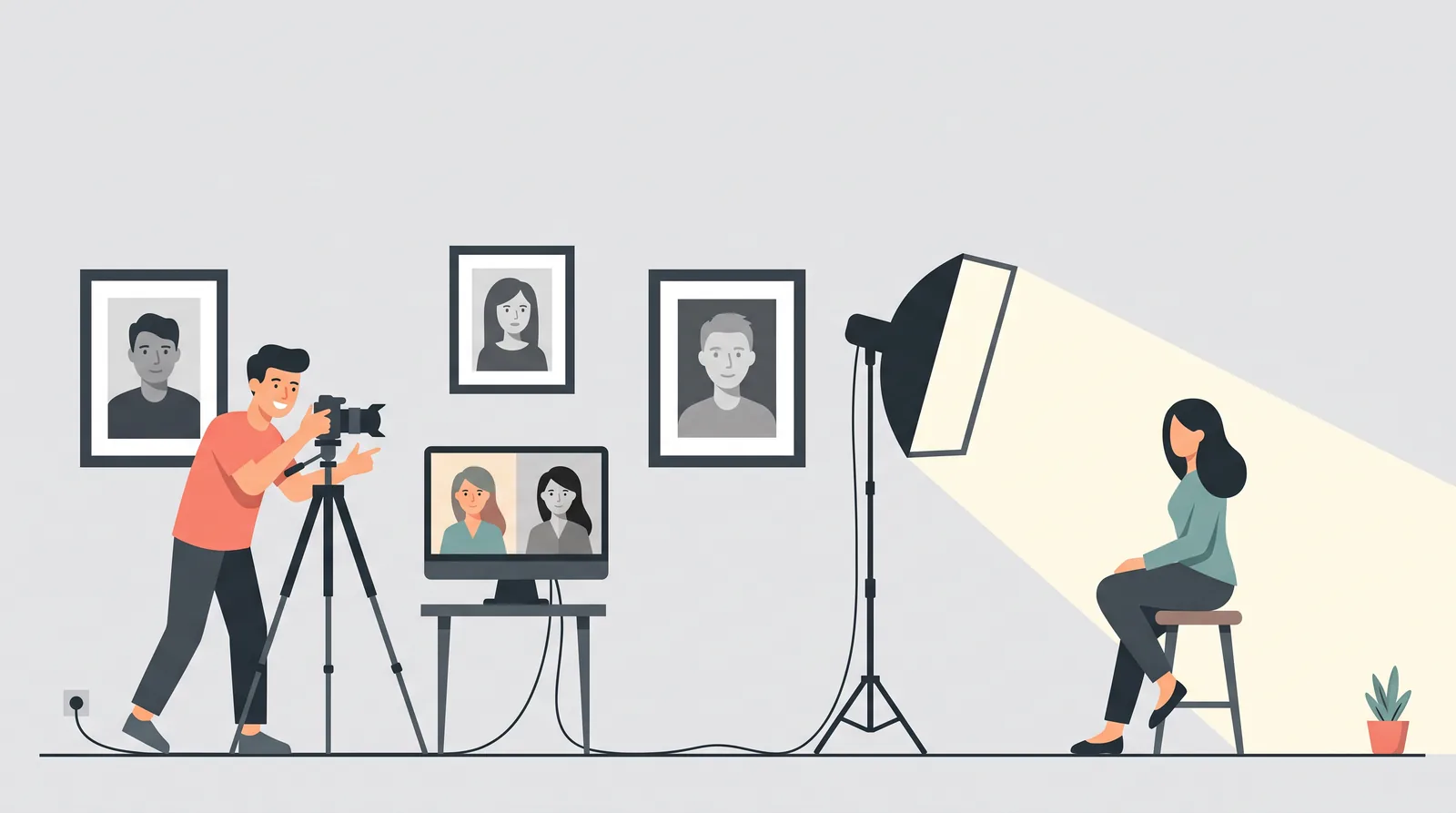
A window is the best free light. Sit your subject about an arm's length from a window that isn't in direct sun, and turn them about 45 degrees toward it. One side of the face will be lit and the other will fall softly into shadow. That gradient is what gives the face shape in monochrome.
Classic portrait lighting patterns look especially good without color:
- Rembrandt light: high and to one side, leaving a small triangle of light on the shadow-side cheek. Moody but flattering.
- Split light: directly to the side, so half the face is in shadow. Very dramatic; better for artistic portraits than corporate headshots.
- Butterfly light: in front of and above the face, with a small shadow under the nose. Glamorous, and good for high-key portraits.
- Loop light: between Rembrandt and butterfly, with a small shadow beside the nose. The safest choice for a black and white headshot.
Choose a background that contrasts with the face. For a low-key look, put a lit face against a dark wall or a black sheet. For high-key, use a white wall with plenty of light on it. Mid-gray backgrounds behind mid-tone skin are the easiest way to get a flat result.
Watch the eyes. Move the subject or the light until you see a catchlight in both eyes. If the brow shades the eyes, ask for a slight chin-down, forehead-forward pose. Our headshot poses guide explains how to do this without looking stiff.
Posing and Composition
Black and white emphasizes lines and shapes, so small posing choices show more.
- Angle the shoulders away from the camera and bring the face back. The diagonal reads well in monochrome.
- Use the rule of thirds: put the eyes on or near the top third line, not dead center.
- Get closer than feels natural. Texture in hair, beards and fabric is one of black and white's strengths.
- Wear solid, textured fabrics in a clearly different tone from the background. Fine checks or thin stripes can create distracting moiré.
Converting Color Photos to Black and White, Step by Step
The best workflow is to shoot in color and convert later. A color file (RAW if your camera or phone supports it) keeps all three channels, so you can choose how each color becomes gray afterwards. You can preview in monochrome while shooting, but save the color data.
In Lightroom or Lightroom Classic
Adobe's own help pages describe two routes:
- Profiles. In the Profile browser, the B&W profiles are designed "to get optimal tone shifts required for black and white work," and newer versions also offer an Adaptive: B&W profile for raw files. Start with one of these instead of the default color profile.
- The B&W mix. In Lightroom Classic, choose Black & White in the Basic panel (or press V), then open the B&W panel and drag the individual color sliders. Adobe describes this as giving you "control over how individual colors convert to gray tones." The Auto button is a sensible starting point. The targeted adjustment tool lets you click on the cheek and drag up or down to lighten or darken all skin tones at once.
After that, add contrast with a gentle S-curve in the Tone Curve: pull the shadows down a little and lift the highlights a little. Then check the face at 100% zoom. If the skin looks gray, raise the orange slider. If it looks blown out and featureless, lower it.
On an iPhone
Apple's Portrait mode includes two monochrome lighting effects, according to Apple Support: Stage Light Mono, "for stage light in a classic black and white," and High-Key Light Mono, "for a grayscale subject on a white background." You can apply them while shooting or afterwards by tapping Edit on a Portrait mode photo. They are quick, but they cut the subject out using depth data, so check the edges of hair and glasses before you use the result anywhere important.
For more control, take a normal Portrait mode photo in good window light and convert it in an editor with a color mix, such as Lightroom mobile.
On Android (or any phone) with Snapseed
Google's free Snapseed app has a dedicated Black and White tool. According to Snapseed Help, you can choose a preset style and add a color filter "to simulate shooting with a colored glass filter over the lens," then adjust brightness, contrast and grain. Use the filters like this:
- Red or orange filter: lighter, smoother skin and darker blue skies. Start here for most portraits.
- Yellow filter: a milder version of the same effect.
- Green or blue filter: darker skin with more visible texture. Use it carefully, if at all, for headshots.
In an AI headshot tool
Most AI headshot generators are built around color studio and office looks. If your tool doesn't offer a monochrome style, generate in color with a plain, contrasting background, then convert the best image yourself using one of the methods above. That gives you control of the skin tones, which a one-click filter doesn't.
Look more closely at AI images after converting. Black and white hides color errors such as odd skin tints, but it emphasizes texture and edges. Over-smoothed "plastic" skin, smeared hairlines and blurred earrings or glasses frames become more obvious. Our explainer on how AI headshot generators work explains why those artifacts appear, and our best free AI headshot generators roundup compares the tools we've tested.
Black and White Headshots: When They Help and When They Hurt
This is the question the gallery pages don't answer. Can you use a black and white photo for professional purposes?
Here's the most useful data we know of. Photofeeler analyzed more than 60,000 ratings of 800 profile photos for perceived competence, likability and influence. On black and white, the authors wrote that they "couldn't come up with any statistically-significant effect — positive or negative." In other words, monochrome doesn't make you look more or less professional on its own.
Other things in the same study did matter, and they're common in black and white portraits:
- Shadow or glare over the eyes lowered competence by 0.29 and influence by 0.31 points on Photofeeler's scale. Heavy, moody lighting can do exactly this.
- Dark photos, the kind taken at night or in a dark room, lowered likability by 0.38. A low-key portrait that's too dark has the same problem.
So the rule is simple: black and white is fine, but a dark, shadowy, hard-to-read face isn't. For a profile photo, choose a brighter, more open look than you would for an art portrait.
For dating, the evidence is even more positive. Hinge's help center (last updated July 2026) lists "Black and White photos" among the photos that tend to get more likes, while "Photos with filters" are among those that get fewer. Hinge doesn't publish numbers, but the message is clear: a clean monochrome conversion isn't treated like a gimmicky filter. Our dating profile pictures guide shows where a black and white candid fits in a lineup.
Use a black and white headshot when:
- You're a creative, consultant, speaker, author or founder and want a timeless, editorial look that stands out among color photos.
- Your brand or website already uses a monochrome style. Black and white also makes a team page look consistent when everyone's photos were taken in different places. This is the same problem our company headshots guide covers.
- You'll print it in a press kit or event program, where it may be printed in grayscale anyway.
Stick with color when:
- The photo is used to identify you. Casting directors want to see what you really look like. Our actor headshot guide covers what agencies expect, and color is the safe default. Use the same logic for ID-style directory photos.
- Your company's team page is in color. One monochrome face among 40 color ones looks like a mistake, not a choice.
- It's your only LinkedIn photo and you're job hunting. Black and white is acceptable, but a well-lit color photo is the lower-risk default. Our LinkedIn headshot guide covers what recruiters see at thumbnail size.
A 30-second checklist for a black and white profile photo
- Is the face clearly brighter than the background, or clearly darker?
- Are both eyes visible, sharp and lit, with no deep shadow under the brows?
- Does the skin still have shape and detail instead of looking flat gray?
- Does it still read clearly at thumbnail size (about the size of your thumbnail)?
- Does it look like you today, with no AI smoothing, smeared edges or missing earrings?
- Is it the right choice for this platform, given the "use color when" list above?
If you get six yeses, use it. If not, fix the lighting or the conversion, or use a color photo. For broader advice on what makes a headshot work, see our professional headshots guide.
Iconic Black and White Portraits Worth Studying
You don't need to copy famous photographs, but each of these shows a lesson that applies to an ordinary headshot.
- "The Roaring Lion," Yousuf Karsh (1941). Karsh photographed Winston Churchill in Ottawa on 30 December 1941. The session was meant to last two minutes. According to the photo's history, Churchill refused to put down his cigar, so Karsh took it from his mouth just before the shot, and the scowl became the picture. Lesson: expression beats perfect setup.
- "Migrant Mother," Dorothea Lange (1936). Taken in Nipomo, California for the Resettlement Administration, it relies on natural light and the mother's worried gaze away from the camera. Lesson: expression and texture can carry a portrait without dramatic lighting.
- "Guerrillero Heroico," Alberto Korda (1960). Korda's portrait of Che Guevara, taken on 5 March 1960, is best known in a tight head-and-shoulders crop against a plain sky. Lesson: a clean background and a strong gaze are enough.
- "Dalí Atomicus," Philippe Halsman (1948). A playful, staged photograph of Salvador Dalí with flying cats and water. Lesson: black and white doesn't have to be serious.
Frequently Asked Questions
What are black and white portraits called?
Usually monochrome portraits. Strictly, monochrome means any single-color image, so sepia counts too, while black and white or grayscale means neutral grays only. Mostly dark portraits are called low-key and mostly light ones are called high-key.
How to do a black and white portrait?
Light the face from one side with a soft source such as a window, choose a background that contrasts with the subject, and keep the eyes sharp with a catchlight. Shoot in color, convert with a color mixer or color filter, then add a gentle S-curve for contrast.
What is the rule of 3 in portrait?
Usually the rule of thirds: place the eyes on or near the top third line of the frame rather than in the middle. Some photographers also use it for grouping subjects in odd numbers or for three-point lighting (key, fill and back light).
What are some iconic black and white portraits?
Yousuf Karsh's Churchill portrait "The Roaring Lion" (1941), Dorothea Lange's "Migrant Mother" (1936), Alberto Korda's "Guerrillero Heroico" (1960) and Philippe Halsman's "Dalí Atomicus" (1948) are four widely cited examples.
What is the most famous black and white photo?
There's no official answer, but Korda's 1960 portrait of Che Guevara is a strong contender. The Maryland Institute College of Art called it the world's most famous photograph. "Migrant Mother" and Karsh's Churchill are other common answers.
Sources
- Photofeeler: "The Perfect Profile Photo" research study
- Hinge Help Center: "Why Aren't I Getting Any Matches?" (last updated 27 July 2026)
- Adobe Help: Adjust image tone and color, and work in grayscale in Lightroom Classic
- Apple Support: Use Portrait mode on your iPhone
- Snapseed Help: Black and White tool
- Wikipedia: Grayscale (luminance coefficients for sRGB / Rec. 709)
- Wikipedia entries for The Roaring Lion, Migrant Mother, Guerrillero Heroico and Dalí Atomicus
- Google US search results for "black and white portraits", retrieved via DataForSEO on 18 November 2026