
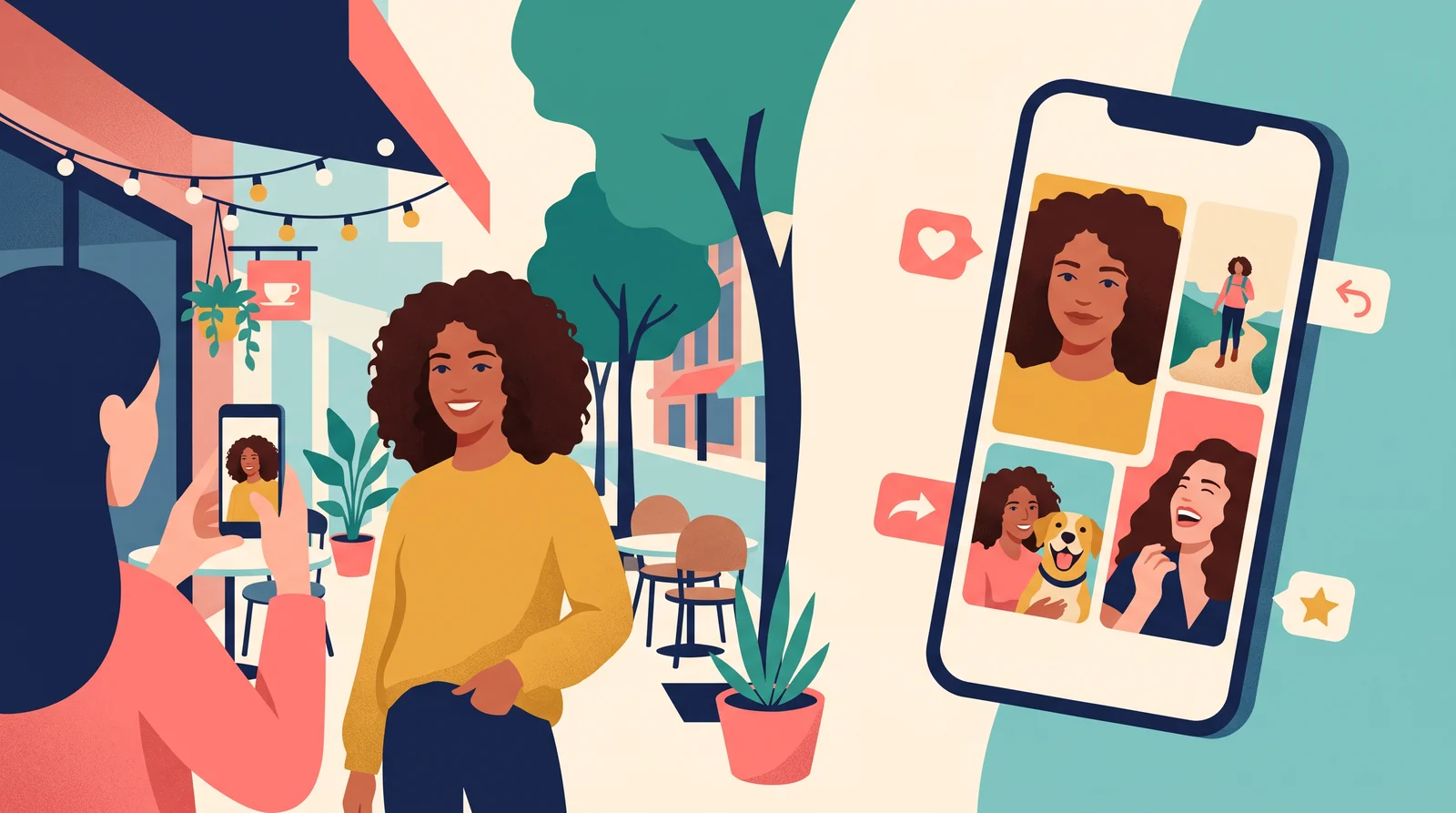
Dating Profile Pictures: How to Shoot a First Photo That Actually Looks Like You
Most advice on dating profile pictures stops at a list: use a smiling photo, add a hobby shot, skip the sunglasses. When we checked Google's US results for "dating profile pictures" in November 2026, three of the eight organic listings were stock-photo galleries or a Pinterest board. Most of the written guides were aimed only at men, and the one AI-related result was a sales page.
None of them explains how to actually take the most important photo on your profile. Your first picture is a headshot, and we spend our days comparing headshots, from studio sessions to AI-generated portraits.
This guide is for everyone, whatever your gender. It covers:
- How to shoot a lead photo that is clear, flattering and recognisably you, with only a phone and a friend.
- How to build the remaining four or five photos around it.
- Where photo editing and AI tools stop being polish and start being kittenfishing or catfishing.
What the Apps Themselves Say About Photos
Before we get to technique, here is the closest thing to first-party data available. Hinge's help center article "Why Aren't I Getting Any Matches?" (last updated July 2026) publishes this comparison, based on what it calls "our research":
| Photos that tend to get MORE likes | Photos that tend to get FEWER likes |
|---|---|
| Show your interests | Selfies (especially bathroom/mirror selfies) |
| Candid photos | Posed photos |
| Black and white photos | Photos with filters |
| Sports photos | Beach photos |
| Smiles | Sunglasses |
| Photos with friends, pets | Photos with a potential significant other |
Hinge doesn't publish the numbers behind the table, and it describes one app's users. Still, it comes from the people who can see what gets liked. Two points stand out for anyone thinking about headshots:
- "Posed" loses to "candid." A stiff, square-on, passport-style photo is a worse lead than a natural one, even if it is technically sharper.
- Selfies and filters both lose. The two shortcuts people reach for most are exactly what the app says to avoid.
So the goal is a photo that is as clear as a headshot but feels as relaxed as a candid. That's a photography problem, and it's solvable.
Your Lead Photo Is a Headshot. Shoot It Like One.
Your first photo appears small, often as a thumbnail, next to dozens of others. It has to work at the size of a postage stamp. That means one person, one face, good light and nothing competing for attention.
You don't need a photographer. You need a phone with a rear camera, a friend (or a tripod and timer), a window or some open shade, and about 20 minutes.
1. Light: face the window, not a lamp
The easiest flattering light in most homes is a large window with no direct sun coming through it. Stand facing it, about an arm's length or two away, and have your friend shoot with their back to the window. Soft light from the front fills your eye sockets and smooths skin texture without any filter.
Check your eyes on the screen. You want a small bright reflection in each one, which photographers call a catchlight. If you can't see catchlights, turn toward the light until you can.
Avoid overhead ceiling lights, which put shadows under your brows, and mixed light, such as a warm lamp on one side and blue daylight on the other. Outdoors, use open shade (the shadow side of a building or a large tree) or the hour around sunset. Our outdoor headshots guide covers outdoor light in more detail.
2. Camera height and distance: step back
This is where arm's-length selfies fail. Phones held close to your face exaggerate whatever is nearest the lens, usually your nose. A 2018 study in JAMA Facial Plastic Surgery modelled this "selfie effect" and showed how short-distance photos make the nose look larger than photos taken from about five feet away.
The fix is simple:
- Have your friend stand 6 to 8 feet (about 2 metres) away and switch to the phone's 2x or 3x lens, then frame you head-and-shoulders. The longer lens flatters faces and blurs the background more.
- Hold the camera at your eye level or slightly above. Shooting from below adds a double chin and looks up your nose.
- No friend available? Prop the phone on a shelf or tripod at eye height and use the timer or a burst.
3. Background: plain, a few steps behind you
Pick a background without clutter: a plain wall, a bookshelf that's out of focus, a hedge or a quiet street. Then step a few feet away from it. Distance creates natural blur, so the viewer looks at you, not the laundry pile.
Check for anything growing out of your head, such as lamps, door frames or tree trunks, and for other people. Hinge's selfie verification rules (more on those below) specifically ask for a photo with no other people in it, even in the background.
4. Expression: get a real smile, then hold still
Smiles appear on Hinge's "more likes" list. Outside dating, Photofeeler analysed more than 60,000 ratings of 800 profile photos and found that a smile with teeth visible raised average likability scores by 1.35 points. That was the largest effect in its study. Note that the study rated photos for professional impressions, not dating appeal, but likability is likability.
A forced smile is the quickest way to look "posed". Two tricks that work:
- Laugh, then settle. Have your friend say something ridiculous, laugh properly and keep shooting as the laugh fades. The frames just after a laugh usually have the most natural smile.
- Talk between frames. Chat with whoever is behind the camera instead of freezing and waiting for the click.
Our headshot poses guide covers more poses. The slight head tilt and the 45-degree shoulder turn translate directly to dating photos.
5. Framing and what to wear
- Crop from mid-chest to just above your head. Leave a little space above your hair; don't cut off the top of your head.
- Eyes clearly visible: no sunglasses, no hat brim shading your face, and hair out of your eyes.
- Wear what you would wear on a first date, in solid colours that contrast with the background. Avoid busy patterns that fight with your face at thumbnail size.
- Shoot many frames. Take 50 if you need to. You only need one.
Bonus: your lead photo can also pass verification
Dating apps increasingly let you prove your photos are really you. Tinder's Photo Verification compares a short video selfie with your profile photos using facial recognition. Hinge's Selfie Verification does the same and adds a badge.
Hinge's troubleshooting list for verification reads almost like a headshot brief. Your photo should have no other people in it, a plain-coloured background, you not too far from the camera, a crisp image with no filters, you facing the camera directly, no sunglasses, no part of your face or head cropped out, and an original photo rather than a photo of a photo. A lead photo shot with the steps above meets every one of those conditions.
Both apps note that a verification badge isn't a guarantee of someone's identity or safety. It only shows that the face matches the photos.
Build the Other 4–5 Photos Around Your Lead
Once you have a strong headshot, the rest of your profile has a simpler job: show a real life. Each photo should answer a different question about you, and none should repeat the job of another.
- The lead headshot answers what do you look like? (see above).
- A full-length or knees-up photo answers what do you look like overall? Shoot it the same way: friend at a distance, eye-level camera, uncluttered background. Hiding your body tends to make people assume the worst, so show it honestly.
- One or two interest photos answer what do you do? Hinge lists interest and sports photos among those that get more likes. Pick something specific: climbing, cooking, playing music, at a gallery. Your face should still be visible; a dot on a mountain doesn't count.
- A candid answers what are you like to be around? A natural moment at dinner or laughing mid-conversation. Black and white works well here, since Hinge also lists it on the "more likes" side.
- A social or pet photo answers who's in your life? Make sure it's obvious which person you are, and that your lead photo has already established your face. Avoid photos where someone could be mistaken for a partner. Hinge lists "photos with a potential significant other" on the "fewer likes" side.
Optional sixth: a travel or setting photo, if it says something about you beyond "I went on holiday".
What to Leave Out
- Bathroom or mirror selfies. Hinge names them specifically.
- Sunglasses and hats in your first two photos. People want to see your eyes.
- Filters, including beauty filters, heavy colour grading and "glow" effects.
- Group photos as your lead. Nobody should have to guess which one you are.
- Cropped-out exes. The stray arm on your shoulder gives it away.
- Photos that no longer look like you. A common rule of thumb is to use photos from roughly the last year. More important than the date: if your hair, weight, facial hair, glasses or style have changed noticeably, the photo has expired.
AI and Editing: Where Is the Line?
This is the section the ranking guides skip, and it's the one we know best. AI tools can now relight a photo, smooth skin, swap backgrounds or generate an entirely new "you" from a few selfies. Some of that is harmless. Some of it will ruin your first date before you order a drink.
Here's how we draw the line:
| What it includes | Verdict | |
|---|---|---|
| Polish | Fixing exposure and white balance, cropping and straightening, removing a temporary spot or a stray hair, mild noise reduction | Fine. A photographer would do the same. |
| Kittenfishing | Reshaping your jaw, nose, waist or arms; beauty filters that change skin and features; heavy "AI enhance" that makes you look younger or slimmer; photos from years ago; angles chosen only to hide how you look | Misleading. You're showing a version of yourself that won't turn up. |
| Catfishing | Fully AI-generated faces, AI images of you in places you've never been or doing things you've never done, someone else's photos | Deceptive. The pictures aren't you, even if they started from your selfies. |
Kittenfishing describes the milder habit of presenting a flattering but misleading version of yourself. Catfishing means pretending to be someone you aren't. AI tools make both easier because they produce flattering results by default. Most AI headshot generators learn your face from your selfies and then invent the lighting, clothing and background. Some also drift toward smoother skin and more symmetrical features than you actually have.
The "would they recognise you at the bar?" test
Before you upload any edited or AI-assisted photo, ask one question: if someone had only seen this picture, would they recognise you instantly when you walked into the bar?
- If yes, the edit is probably polish.
- If they'd hesitate, it's kittenfishing. Swap it for an unedited photo.
- If they'd be meeting a different-looking person, it's catfishing. Delete it.
The risk isn't only ethical. A match who feels misled at the first meeting starts the date already distrusting you, and nothing in the conversation fixes that. Edited photos can also cause trouble with verification: Tinder lists "person in the video didn't match the person in Tinder profile photo(s)" as a common reason a submission is rejected.
Where AI headshot tools fit
AI headshots are built for LinkedIn and work bios. On a dating profile, we'd only consider them as a reference: generate a few, see which colours, angles and backgrounds suit you, then recreate the best look with a real camera. If you're weighing tools for professional use, our roundup of the best free AI headshot generators and full list of AI headshot reviews compare what you actually get. For the profile your date will see, use real photos.
A 20-Minute Shoot Plan
Grab a friend and run through this in one go:
- Pick the spot (2 minutes). A big window without direct sun, or open shade outside, with a plain background a few feet behind you.
- Set the camera (1 minute). Rear camera, 2x lens, eye level, 6 to 8 feet away. Wipe the lens.
- Shoot the lead (7 minutes). Head-and-shoulders. Laugh, settle, repeat. Try a slight shoulder turn and a square-on version.
- Shoot the full-length (3 minutes). Same light, step back, knees-up and full-body.
- Shoot a candid (5 minutes). Walk, chat, look away and back. Try converting one to black and white later.
- Edit lightly (2 minutes). Exposure, crop, straighten. No beauty filter.
Then add one or two interest photos from your camera roll, as long as they pass the recognition test. Ask a friend which one you look most like yourself in, and lead with that one. For a sharper version of the same technique for work photos, see our professional headshots guide.
Frequently Asked Questions
What pictures should you put on a dating profile?
Five or six recent photos: a clear smiling headshot first, then a full-length shot, one or two interest photos, a candid, and a social or pet photo where it's obvious which person you are. Hinge's help center says interest photos, candids, smiles and photos with friends or pets tend to get more likes, while mirror selfies, filters and sunglasses tend to get fewer.
What is kittenfishing, and can edited or AI-enhanced photos count as kittenfishing?
Kittenfishing is presenting a flattering but misleading version of yourself, such as old photos, hiding angles or a trimmed age. Edited and AI-enhanced photos can count. Fixing light, colour and cropping is fine. Reshaping your face or body, beauty filters and AI "enhancements" that make you look noticeably different are not.
Is it catfishing to use AI-generated photos on a dating profile?
If the photos show a face or scenes that aren't really you, it is functionally catfishing, even if the AI started from your selfies, because the person who turns up won't match. A tool that only fixes lighting on a real photo of you is different. Use the bar test: would someone recognise you instantly from the picture?
Should your first dating profile picture be a headshot?
Yes. It is shown small and decides whether people open your profile, so make it a clear head-and-shoulders photo of you alone, lit from the front, eyes visible, smiling and against a simple background. Shoot it from 6 to 8 feet with the 2x lens rather than at arm's length.
How recent should your dating profile pictures be?
A common rule of thumb is roughly the last year. The better test is whether the photo still looks like you today: if your hair, weight, facial hair, glasses or style have changed noticeably, replace it.
Sources
- Hinge Help Center: "Why Aren't I Getting Any Matches?" (last updated 27 July 2026)
- Hinge Help Center: "What is Selfie Verification?"
- Tinder Help Center: "Photo Verification"
- Ward B, et al. "Nasal Distortion in Short-Distance Photographs: The Selfie Effect." JAMA Facial Plastic Surgery, 2018
- Photofeeler: "The Perfect Profile Photo" research study
- Google US search results for "dating profile pictures", retrieved via DataForSEO on 17 November 2026