
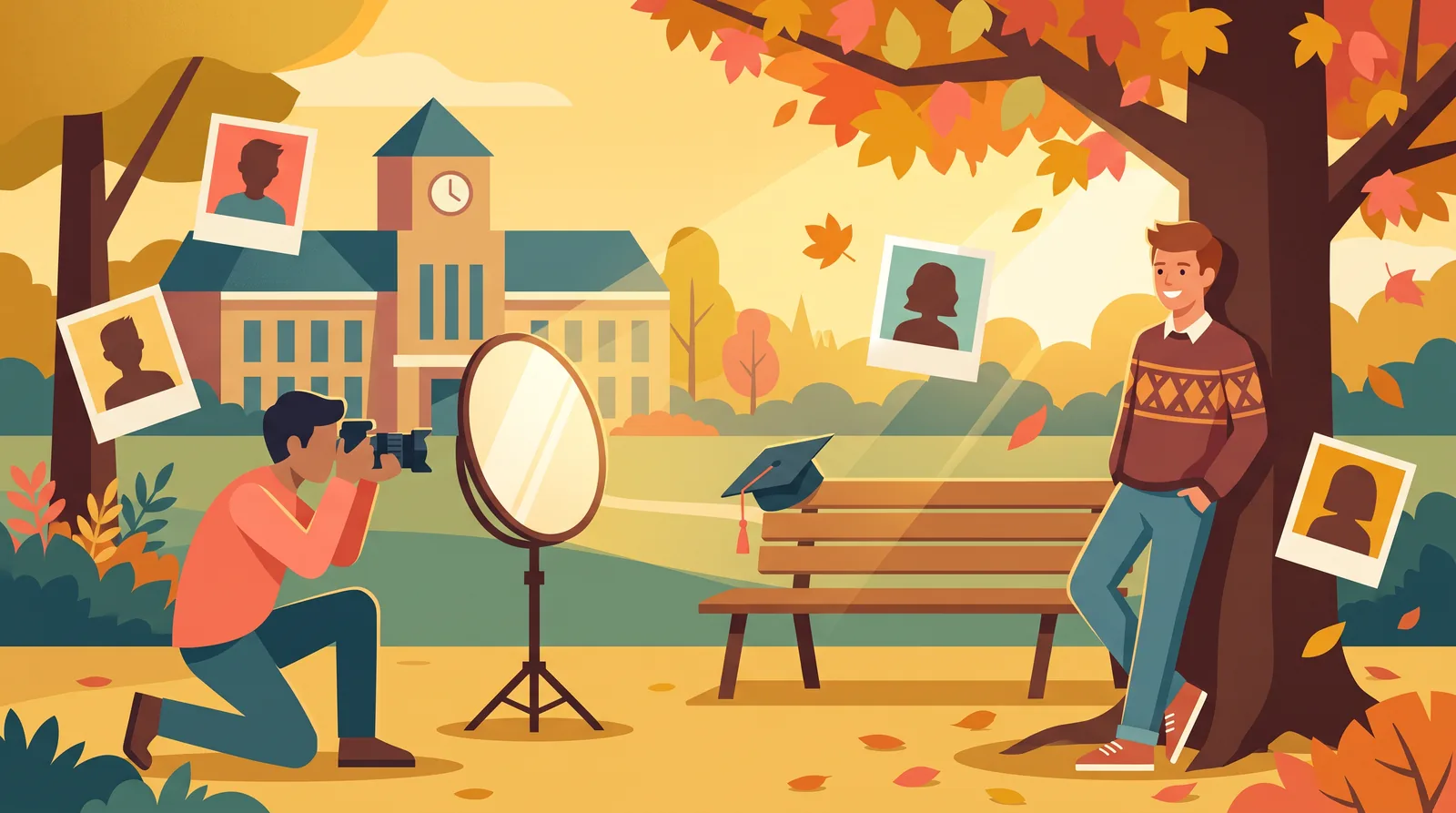
Senior Photos: Costs, Timing, Outfits and Your Options (Studio, DIY or AI)
Search "senior photos" and Google assumes you want to book someone today. When we checked the US results on 20 November 2026, nine of the top ten organic results were individual studios and photographers: booking pages, galleries, an Instagram profile and a Facebook page. Below them were Yelp lists of the "top 10" photographers in different cities. Only one result was a general planning guide.
That's useful if you've already chosen a photographer. Most families start with different questions, and Google's own "People also ask" box shows them: What's a reasonable price? When should we do it? What should they wear? How long does it take? Do parents go? What happens if we skip it?
Each studio page answers those questions for its own packages. This guide puts them in one place and doesn't try to sell you a session. It also covers something the studios don't: the real trade-offs between hiring a photographer, doing a DIY phone shoot and using an AI photo tool. We review AI headshot generators for a living, so we'll be clear about what they can and can't replace.
First, What Counts as "Senior Photos"?
In the US, senior photos (also called senior pictures or senior portraits) are the portraits taken during a student's last year of high school. They usually do two jobs:
- The yearbook photo. This is the formal portrait the school prints. Many schools have rules about framing, background or attire, and some work with a specific studio.
- The keepsake set. These are the relaxed, personal photos for graduation announcements, the family wall, grandparents and social media. This is where locations, outfits, hobbies, pets and cap-and-gown shots come in.
Keep the two apart when you plan. The yearbook shot has to follow the school's rules, while the keepsake set can look however you like. Many families pay studio prices for both when only one of them needed a studio.
What Senior Photos Cost: Real Prices From the Studios That Rank
No single source gives a reliable national average for senior sessions. Pricing models vary too much. So here are actual published prices from studios in the top Google results, checked on their own pages in November 2026. Treat them as examples of how studios price, not as what you'll pay locally.
| Studio (location) | What you pay for | Published price | What's included |
|---|---|---|---|
| Cady Studios (multi-studio chain) | Session fee, then prints and products | Session fees $29 to $299 | Every session includes the required yearbook photo(s). Prints and products are extra, with listed ranges from $179 to $1,899+ depending on tier |
| Josh and Lindsey Photo (St. Louis) | Session package | From $350 (1 hour); "Epic" from $450 (2 hours) | Details vary by package; ask what's delivered |
| Chris Brodell (Portland) | All-in collection | $400 "Yearbook Highlight" (30 to 45 min); $549 "Lifestyle" (about 1 hour) | $400: proof the gallery and download 10 photos. $549: all edited high-resolution files, one outfit change and cap-and-gown shots |
These prices aren't directly comparable, and that's the key lesson. A $29 session fee and a $549 collection are different products:
- Session-fee model: You pay a low fee to be photographed, then choose photos at a viewing and pay for prints, digital files or packages. Your final bill depends on how much you buy.
- All-inclusive model: You pay one higher price that already includes edited digital files. What you see is roughly what you pay.
Before you book, ask every photographer the same five questions:
- How many edited photos do I get, and can I download the digital files?
- Does the price include the yearbook pose in the school's required format?
- How many outfits and locations can we do?
- Is there a travel fee or a location permit fee?
- When will we get the photos, and does that meet the yearbook deadline?
For broader context on photography rates, our headshot cost guide breaks down what drives pricing for portrait sessions in general.
When to Take Senior Photos
Work back from the yearbook deadline. Schools set their own deadlines, so ask the yearbook adviser or check the school website before anything else. The photographer then needs time to edit, and you need time to choose a photo and submit it.
For most families, that points to one of these windows:
- The summer before senior year. You get the most flexibility, the longest days and the most outdoor options. It's also the most popular time to book, and big studios open their calendars early. Cady Studios, for example, says senior booking opens May 1st.
- Early fall of senior year. Autumn colors look great and the schedule is often easier once the school routine settles. Leave plenty of time before the yearbook deadline.
- Spring of senior year. This is usually too late for the yearbook, but it's perfect for cap-and-gown photos and graduation announcements.
Choose the time of day carefully. For outdoor sessions, the hour before sunset gives soft, flattering light. Midday sun causes squinting and harsh shadows under the eyes. If you have to shoot at midday, use open shade under a tree or along the shadow side of a building. Our outdoor headshots guide explains how to find good light in more detail.
What to Wear (and What to Skip)
The best outfits don't distract from the person wearing them. A few rules work for almost everyone:
- Choose solid, mid-tone colors. Navy, burgundy, emerald, rust, dusty blue, mustard and cream all photograph well. Choose shades that suit your skin rather than following trends.
- Contrast with the location. Green disappears against trees, and beige blends into a wheat field. Picture your outfit against the actual background before you commit.
- Skip logos, slogans and tiny patterns. Large logos date quickly, and tight stripes or small checks can shimmer on screens.
- Be careful with pure white and all-black. Bright white can lose detail in sunlight, and black can turn into a flat shape with no texture.
- Bring outfits with different jobs. One dressy, one casual and one that tells a story, such as a team jersey, band uniform, work apron or favorite jacket.
- Check the fit. Iron everything, bring a lint roller and make sure the shoes go with the outfit, because full-length shots show them.
For the yearbook photo, follow the school's rules first. Some schools specify formal attire, a drape or tuxedo, or a plain background. Cady Studios says it works with schools to capture students "in the required formal attire" and provides the drape or tux. Requirements vary, so don't assume your school matches someone else's.
What's "appropriate" for senior photos? For the yearbook, it's whatever your school's dress code and yearbook policy allow. For keepsake photos it's up to the family, with one useful test: would the senior be happy to see this photo on a grandparent's fridge in ten years?
How Long the Session Takes
Expect 30 minutes to two hours behind the camera. The photographers we checked fit that range: Chris Brodell's yearbook session runs 30 to 45 minutes and his lifestyle session about an hour, while Josh and Lindsey offer one-hour and two-hour packages. Studio chains that sell individual backgrounds (Cady calls them "scenes") can take more or less time depending on how many you choose.
Add time for:
- Hair and makeup (if any)
- Driving between locations
- Outfit changes (allow 10 to 15 minutes each)
- A warm-up. Most people look stiff in the first ten minutes. Good photographers expect this and don't waste the best light on it.
Do Parents Come Along?
Usually, yes, but it should be the senior's shoot. A practical split:
- Parents help with logistics. That means driving, carrying outfits, holding a lint roller and doing a final mirror check.
- Then they step back. Seniors tend to relax and smile naturally when a parent isn't commenting on every pose. Many photographers will politely suggest this.
- The senior has a say in the final pick. These photos will represent the senior in the yearbook and online, and it matters that they like them.
If the senior is under 18, check the photographer's policy. Some require a parent or guardian to be present or nearby, and a parent or guardian may need to sign the contract.
How to Do Senior Pictures: Studio, DIY or AI?
This is the comparison the ranking studio pages skip. You have three realistic routes, and many families end up combining two.
Option 1: Hire a photographer or studio
Best for: the yearbook photo when the school works with a specific studio, families who want a polished keepsake set, and seniors who feel awkward in front of a camera.
What you're paying for: someone to direct poses, choose locations and handle light, plus professional editing. That direction matters more than most people expect. A good photographer gets natural expressions out of a nervous 17-year-old in a way a parent with a phone often can't.
Watch out for: session-fee pricing that becomes expensive at the viewing, and packages that don't include digital files.
Option 2: A DIY phone shoot
Best for: tight budgets, seniors who want a friend to take the photos, and casual photos for social media or announcements. It also works as a backup if the school doesn't need a studio yearbook photo.
A recent phone is capable enough. What usually lets DIY photos down is the light, the background and the posing, not the camera. To get it right:
- Shoot in the hour before sunset or in open shade. Have the senior face the brighter part of the sky so light reaches their eyes.
- Use the 2x or 3x lens and step back. It flatters faces more than the wide lens up close.
- Hold a white reflector or a sheet of white foam board below the face to fill shadows. It's the cheapest upgrade you can make.
- Leave space between the senior and the background so it blurs. Portrait mode helps, but check the edges around hair.
- Use a few reliable poses rather than improvising. Our headshot poses guide covers twelve natural ones, and most work for full-length senior shots too.
- Take lots of photos. Expressions change by the second, and a burst of 20 frames usually contains one great shot.
For an extra look, a simple monochrome edit of the best frame often looks timeless. Our black and white portraits guide shows how to convert a phone photo without making skin look gray.
Watch out for: school yearbook specifications. If your school requires a certain background, size, crop or a designated studio, a DIY photo may not be accepted. Check before you plan around it.
Option 3: AI photo tools
AI can help with senior photos in two ways, and they're very different:
- AI editing of real photos (removing a blemish, fixing light or replacing a distracting background) is normal and widely used. Studios do much of this with retouching too.
- AI-generated portraits, where you upload selfies and a generator creates new images of you, are a different thing. Some tools even have graduation styles; Vheer, which we reviewed, offers a "Graduation" option.
Be honest about what generated portraits are. They aren't photos of a real moment. They can be useful for practical needs: a clean profile picture for scholarship portals, college applications, a first LinkedIn profile or a summer job application. But the point of senior photos is to record who the senior really was that year, in a real place, wearing their own clothes. A generated image can't do that.
Two more cautions:
- The yearbook may not accept them. Many schools require photos taken by a designated studio or in a specific format. Ask before you submit anything AI-generated or heavily edited.
- Likeness varies. Generators sometimes smooth faces, change features or produce hands and hair that look wrong. Our explainer on how AI headshot generators work explains why quality varies so much between tools.
If you want to try one for a profile picture, start with our tested list of the best free AI headshot generators so you don't pay for something you'd never use.
Quick comparison
| Photographer or studio | DIY phone shoot | AI-generated portraits | |
|---|---|---|---|
| Cost | $29 session fees (prints extra) to $549 all-inclusive at the studios we checked | Close to free | Free tiers to low-cost paid tiers |
| Accepted for the yearbook? | Usually, if it follows the school's specs | Only if the school allows it | Check with the school before you use one |
| Real moments and places | Yes | Yes | No |
| Direction and posing help | Yes | Only if someone knows how | Not applicable |
| Best use | Yearbook photo and keepsake set | Casual photos, announcements, budget keepsakes | Profile pictures for applications and LinkedIn |
What Happens If You Don't Take Senior Pictures?
Usually nothing serious, but ask the school how it handles it, because policies vary. Depending on the school, the yearbook may use an earlier school photo, run a placeholder or simply leave the student out of the senior section. The yearbook adviser can tell you what they do and whether there's a free or low-cost option, such as a school picture day.
The bigger risk is regret. Families rarely regret having senior photos. Some do regret having none from that year. If the budget is tight, a free DIY session with a friend in good evening light is far better than nothing, and it might become everyone's favorite.
A Simple Plan
- Ask the school for the yearbook deadline, the photo specifications and whether there's a required studio.
- Decide what you need: only the yearbook photo, or a keepsake set as well.
- Pick your route: a studio, a DIY shoot or both. Use AI only for profile pictures, not for the real record of the year.
- Book or schedule for summer or early fall, in the hour before sunset if you're outside.
- Plan two or three outfits in solid, mid-tone colors that contrast with the location.
- Agree on roles: a parent handles logistics, the senior handles the smile, and you choose the final photos together.
Senior photos can be expensive or nearly free. What matters is that they look like the person they were in their final year of high school, not like a sales package.
Frequently Asked Questions
What is a reasonable price for senior pictures?
It depends on the pricing model. In November 2026, Cady Studios listed session fees of $29 to $299 with prints sold separately. Josh and Lindsey Photo started at $350 for one hour, and Chris Brodell charged $549 for about an hour with all edited files included. Compare what each package includes, not just the price.
When should senior photos be taken?
The summer before senior year or early fall, timed so the photos are ready before the school's yearbook deadline. Book early: Cady Studios opens senior booking on May 1st. For outdoor shoots, aim for the hour before sunset.
What is the best color to wear for senior pictures?
Solid mid-tones that suit your skin and contrast with the location, such as navy, burgundy, emerald, rust, dusty blue or cream. Avoid logos, small busy patterns, neon and green in front of foliage.
How long do senior pics usually take?
Usually 30 minutes to two hours of shooting, plus time for getting ready, travel and outfit changes. The packages we checked ranged from 30 to 45 minutes for a yearbook-only session to two hours for an extended one.
Do parents usually go to senior pictures?
Often, especially for students under 18, but they don't need to direct the shoot. Parents are most helpful with logistics at the start. After that, seniors usually relax more if the parent steps back.
Sources
- Cady Studios: senior portrait sessions and pricing (session fees, print and product ranges, May 1st booking, yearbook attire; checked 20 November 2026)
- Josh and Lindsey Photo: St. Louis senior photography (package prices and durations; checked 20 November 2026)
- Chris Brodell: Portland senior photos (collection prices, durations and inclusions; checked 20 November 2026)
- AI Headshot Reviews hands-on review of Vheer AI (style options at time of review)
- Google US search results and "People also ask" questions for "senior photos", retrieved via DataForSEO on 20 November 2026