What to Wear for Professional Headshots: One Guide for Studio and AI
Your clothes take up about half of a headshot. Yet most people choose them last, the night before, from whatever is clean.
When we checked Google's US results for "what to wear for professional headshots" on 28 November 2026, the advice was consistent. Nearly every result was written by a studio photographer: wear solid colours, choose matte fabrics, make sure things fit, dress for your industry and bring a couple of options. That advice is sound, and it's all below.
But a growing share of headshots no longer come from a studio. They come from an AI headshot generator working from your selfies, and none of the pages we saw explained what to wear for that. Should your selfies show the outfit you want in the final photo, or a plain T-shirt? Should every photo show the same top? And what do you do when the AI hands you a jacket you'd never wear?
This guide covers both. First the rules that apply to every headshot, then what changes when the camera is an AI tool.
The Short Version
- Wear solid mid-tones: navy, charcoal, soft blue, teal, burgundy, forest green or plum.
- Contrast with the background and avoid colours close to your skin tone.
- Choose matte, medium-weight fabrics that don't wrinkle or shine.
- Fit matters most at the shoulders, collar and neckline. That's all the camera sees.
- Dress one step above what you wear on a normal workday.
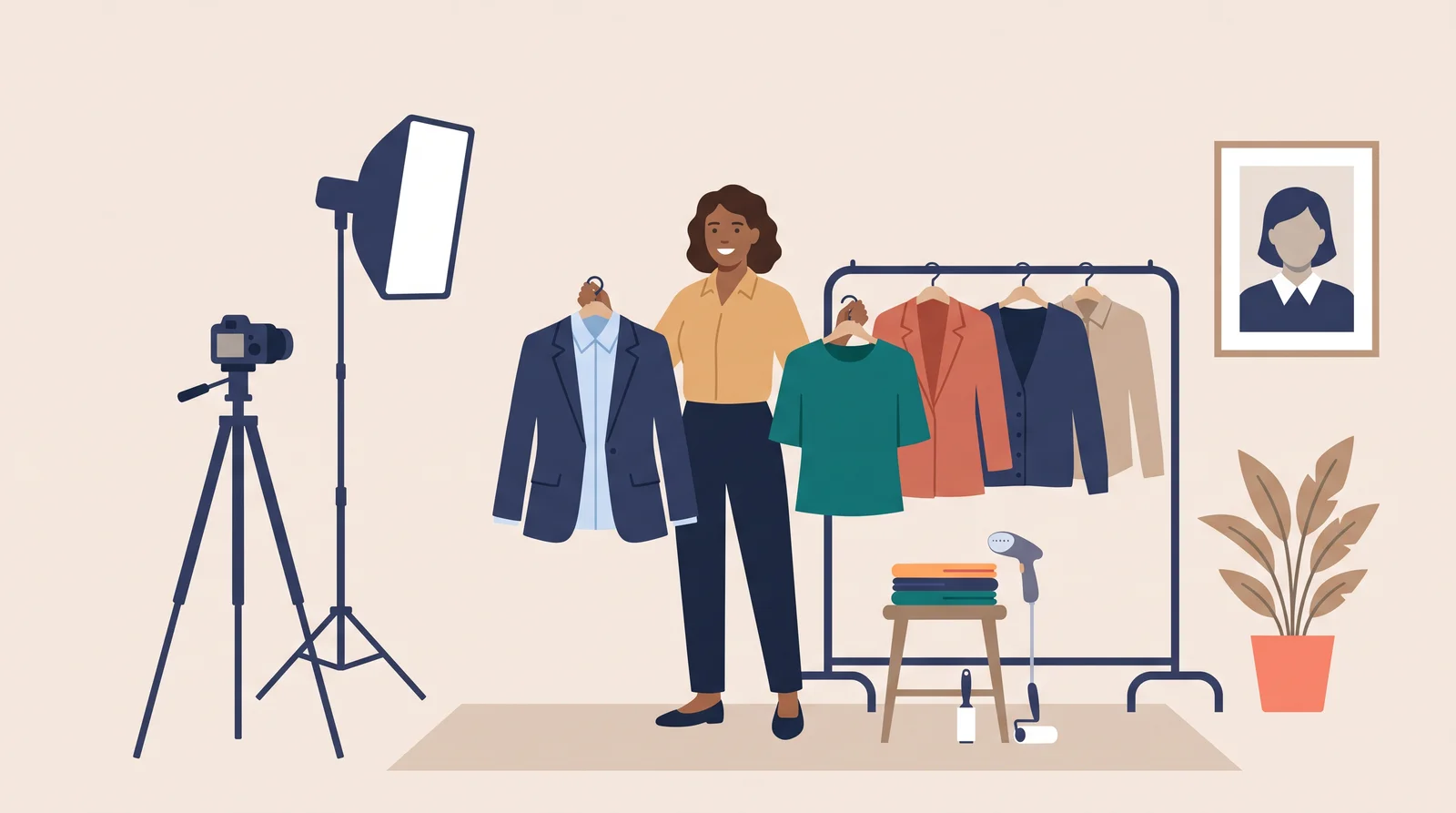
- Bring two or three tops, steamed and on hangers.
- For AI headshots, first find out whether your tool keeps your clothes or replaces them. That changes what you wear in your selfies.
Colours That Work, and Colours to Avoid
A headshot is usually seen small, as a LinkedIn thumbnail, a team page tile or an email signature. At that size, colour does most of the work, so choose it before anything else.
Colours that work for most people:
- Navy and charcoal. Formal, calm and good under almost any light. They're safer than pure black because they keep the folds and edges of your clothes visible.
- Soft blue and light grey for shirts and tops under a darker jacket.
- Jewel tones, such as teal, burgundy, emerald and plum. They add colour without shouting and flatter a wide range of skin tones.
- Muted earth tones, such as olive, rust and camel. These work well for creative or outdoor headshots.
Colours and patterns to avoid:
- Neon and very bright colours. They pull the eye down from your face and can reflect a tint onto your chin and neck.
- Pure white under strong light. It can lose all its detail and look like a glowing block. Off-white, cream or light blue is easier to photograph.
- All black on a dark background. Your shoulders disappear and you become a floating head.
- Your skin tone or your background colour. A beige top on fair skin, or a grey top against a grey wall, makes you blend in.
- Fine stripes, small checks and houndstooth. Tight, regular patterns can clash with the grid of a camera sensor or screen and produce a shimmering moiré pattern. Larger, softer textures, such as a knit or tweed, are fine.
- Logos, slogans and graphics. They date the photo and draw attention.
The quickest test: put on the top, stand against the wall or backdrop you'll use and take a phone photo from a few feet away. Shrink it to thumbnail size. If your face is the first thing you see, the colour works.
Fabric, Fit and Necklines
Fabric
Choose matte, medium-weight fabrics: cotton shirting, fine-gauge knits, wool, crepe and ponte. They hold their shape and absorb light evenly. Avoid satin, sequins and shiny synthetics, which flare under flash, and sheer fabrics, which can look like they're not there. Linen photographs beautifully for about ten minutes, then creases.
Fit
The camera sees your collar, shoulders and the top of your chest. So:
- Shoulder seams should sit at the edge of your shoulders. Too wide and you look swamped; too narrow and the fabric pulls.
- Collars should lie flat without gaping or squeezing your neck. If you button a shirt to the top, you should be able to slide two fingers in.
- Steam everything. Creases across the chest show up more on camera than in a mirror.
- Clothes that are slightly loose can be pinned at the back. Photographers do this all the time, and it never shows in a head-and-shoulders crop.
Necklines
Necklines frame your face, so they matter more than the rest of the outfit.
- V-necks and open collars lengthen the neck and suit most face shapes.
- Crew necks and boat necks look clean and modern, especially under a blazer.
- Collared shirts are the default for corporate and finance headshots.
- Avoid strapless and very low necklines. Once the photo is cropped at the chest, they can make it look as though you're wearing nothing.
- Turtlenecks can look sharp in creative fields, but they hide the jawline and neck, which can make the face look heavier.
Dress for Your Industry
The right outfit is the one your clients or employer expect to see when they meet you. As a rule, dress one step above your normal workday.
There's some evidence that formality changes how people read your photo. Photofeeler, a photo-rating company, analysed over 60,000 ratings of 800 profile photos and found that formal dress produced bigger gains in perceived competence (+0.94) and influence (+1.29) than any other element it tested. Its most formal category was a dark suit over a light button-down shirt, and it scored bold or unusual colours as slightly less formal. Bear in mind it's one company's study of its own users' ratings, not peer-reviewed research. And "more formal" isn't always better. A full suit can look out of place for a designer or a yoga teacher.
| Field | What works | What to skip |
|---|---|---|
| Finance, law, consulting | Dark suit or blazer, light collared shirt or blouse, optional solid or subtly patterned tie | Bold patterns, casual knits |
| Corporate and sales | Blazer over a solid top or open-collar shirt | T-shirts, logos |
| Tech and startups | Smart casual: a fitted knit, an unstructured blazer or a quality crew neck in a mid-tone | Hoodies with branding, anything wrinkled |
| Creative fields | Your own style, in solid colours or larger textures, with one signature piece | Loud prints that steal focus |
| Healthcare | Clean, well-fitted scrubs or a white coat over a coloured shirt, if that's what patients see | A white coat over a white shirt |
| Real estate | Polished and approachable: a blazer in a warm or jewel tone | Anything that dates quickly |
| Acting | Simple, fitted solids that show your shape and colouring | Jackets that hide you, busy jewellery |
Whatever you wear, your headshot also has to work with your hair, makeup and pose. Our headshot makeup guide covers how makeup behaves under flash, window light and phone cameras, and our LinkedIn headshot guide covers framing and backgrounds for the most common use.
Outfit Ideas for Men and Women
These are starting points, not rules. Mix freely.
Men:
- Navy suit, light blue shirt, solid burgundy or navy tie.
- Charcoal blazer over a white or light grey open-collar shirt.
- Fitted merino crew neck in navy, olive or charcoal, alone or under an unstructured blazer.
- Light blue oxford shirt with the top button open, sleeves down.
Women:
- Navy or charcoal blazer over a solid teal, cream or soft-blue shell top.
- Jewel-tone wrap or V-neck blouse in emerald, burgundy or cobalt.
- Fitted knit with a boat or crew neck and small earrings.
- Structured sheath dress with sleeves, in a solid mid-tone.
Accessories for everyone: keep jewellery small and matte so it doesn't catch the light. If you wear glasses every day, wear them in your headshot; ask for anti-glare lenses or tilt the frames down slightly to avoid reflections. Skip hats, sunglasses and smartwatches with a lit screen.
What to Wear for AI Headshots
This is where most wardrobe advice stops being useful, because AI headshot generators don't all treat your clothes the same way.
First, find out what your tool does with clothes
Broadly, there are two kinds of tools:
- Tools that keep your clothes. These edit or restyle the photo you upload: cleaning up the light, swapping the background, smoothing skin. In our Canva AI headshot review, for example, the free version offered no outfit or background changes. With this kind of tool, what you wear in the selfie is what you get. Dress exactly as you would for a studio shoot.
- Tools that replace your clothes. These learn your face from several selfies, then generate new outfits. In our AI Ease review, the tool offered preset outfit styles (Business Professional, Business Casual and Smart Casual). Supawork turned a casual selfie into a suit and tie. With these, the outfit in your selfies matters less than your face, but it still matters.
If you're not sure which kind you're using, check whether the tool asks you to choose an outfit or style. If it does, it's probably replacing your clothes. Our explainer on how AI headshot generators work goes into the difference.
If the tool replaces your clothes: wear plain, simple tops
Advice on this is split. HeadshotPhoto.io's wardrobe guide says that mixing a blazer in some frames and a casual top in others gives the model mixed signals. AI Headshot Guru's upload guide suggests adding one to three extra shots in a different outfit. Both can be right, depending on the tool and the result you want.
Our recommendation for tools that generate outfits:
- Wear solid, plain tops with a simple neckline in two or three different colours across your uploads. Variety helps the model learn that the top isn't part of you. DreamBooth, a widely used method for teaching image models a new subject from a few photos, comes with a known risk: its authors note that fine-tuning can overfit to the context of the input images, so a shirt that appears in every photo can creep into every result.
- Keep the style roughly consistent. Plain crew necks, button-downs or simple knits in different colours give variety without sending mixed signals. Don't swap between a suit and a gym top.
- Choose a neckline close to the look you want. The AI has to draw where your real neck meets a new collar. In our guide to AI image to image, outfit changes caused the most warping around the neck and collar. Starting from an open collar or crew neck gives it less to invent.
- Show your neck and jawline. Scarves, turtlenecks and hoods hide the shapes the model needs.
- Skip logos and text. AI can copy them back as garbled lettering.
If the tool keeps your clothes: dress for the final photo
Use every studio rule above. Steam the top, check it against your background, and take the selfie in soft window light. Our guide to taking a professional headshot at home covers the phone setup step by step.
When the AI gets your outfit wrong
Look closely before you use any AI headshot. The common clothing errors are:
- Collars or lapels that don't match on each side.
- Buttons that wander, merge or vanish.
- Ties that start below the collar or knots that melt into the shirt.
- Jewellery that fuses with skin or changes between images.
- Shoulders that are too broad or too narrow for your build.
If you see these, choose a different outfit style in the tool and generate again, or pick an image where the clothes are simpler. If the face is right but the collar is off, an image-to-image edit that changes only the outfit can fix it. Change one thing at a time. And if the outfit is far more formal than anything you own, think twice: people will meet the real you on video. Our roundup of the best free AI headshot generators compares how the tools we've tested handle clothing.
Hair, Grooming and Looking Slimmer
Hair should look the way it does most days. Match it to your neckline: hair down balances a V-neck or open collar, and hair up or back suits higher necklines and shows the jaw. Get a haircut a week or so before, not the day before.
Grooming: shave a few hours ahead so redness settles, or trim a beard a day or two before. Lint-roll dark fabrics.
Looking slimmer is mostly about structure and the camera:
- Wear structured pieces, such as a blazer worn open over a contrasting top, which creates a vertical line.
- Choose darker, solid colours and V-necks or open collars.
- Avoid both baggy and clingy fabrics.
- Ask for the camera at or slightly above eye level, a few feet away, with your body turned about 30 to 45 degrees.
- Push your forehead slightly forward and down to define the jaw. Our headshot poses guide shows how.
What to Bring on the Day
- Two or three tops or outfits, steamed and on hangers.
- A lint roller, safety pins and clips.
- Blotting papers and a comb or brush.
- Glasses, if you wear them, cleaned.
- The settings or styles you plan to choose, if you're using an AI tool.
If you're booking a photographer, ask how many outfit changes your package includes. Our guide to headshot photography covers what a session includes and what it costs.
The Bottom Line
Wear something that fits well, in a solid mid-tone that contrasts with your background, with a neckline that frames your face. Dress one step above your workday. For an AI headshot, first find out whether the tool keeps or replaces your clothes. Then either dress for the final photo, or wear plain tops in a few colours and let the tool handle the outfit. Check the result closely. Either way, the goal is the same: people should notice your face first, and recognise you when they meet you.
Frequently Asked Questions
What colors should I avoid for professional headshots?
Avoid neon and very bright colours, which pull attention from your face and can cast colour onto your skin. Be careful with pure white under flash or bright light, where it loses detail, and with all black against a dark background. Skip any colour close to your skin tone or your background, because you will blend in at thumbnail size, and avoid fine stripes, checks and houndstooth, which can shimmer on camera.
What is the best color to wear for a headshot photo shoot?
Solid mid-tones and jewel tones are the safest: navy, charcoal, soft blue, teal, burgundy, forest green and plum. They hold detail under most light and flatter most skin tones. The best choice for you is the one that contrasts with your background and isn't too close to your skin tone, so bring two or three options and test them on camera.
Should I wear my hair up or down for a professional headshot?
Wear it the way you wear it most days, so people recognise you when they meet you. Then match it to your neckline: hair down balances a V-neck or open collar, while hair up or tucked back suits a higher neckline and shows your jawline. Keep it off your eyes and smooth flyaways. If you can't decide, take frames both ways.
How can I look slimmer in a headshot?
Wear structured, well-fitted clothes in a solid darker shade, such as a blazer worn open over a contrasting top, and choose a V-neck or open collar to lengthen the neck. Avoid baggy or clingy fabrics. Then fix the camera: shoot from a few feet away at or slightly above eye level, angle your body about 30 to 45 degrees to the camera, and push your forehead slightly forward to define the jawline.
What should professional headshots look like?
A good professional headshot is a head-and-shoulders or chest-up photo with your face sharp and evenly lit, eyes clearly visible, a natural expression and a simple background. Clothing should fit your industry and stay in the background: solid colours, a clean neckline and nothing that competes with your face. Above all, it should look like you on a good day.
Sources
- Photofeeler: "New Research Study Breaks Down 'The Perfect Profile Photo'" (formal dress and perceived competence and influence), last updated 9 January 2023, checked 28 November 2026
- Ruiz et al., "DreamBooth: Fine Tuning Text-to-Image Diffusion Models for Subject-Driven Generation", arXiv:2208.12242 (overfitting to input image context)
- Wikipedia: Moiré pattern
- HeadshotPhoto.io: "What to Wear for Professional AI Headshots in 2026", checked 28 November 2026
- AI Headshot Guru: "How to Upload Photos for AI Headshots That Look Real (2026)", checked 28 November 2026
- Our own hands-on reviews of the Canva, AI Ease and Supawork AI headshot generators
- Google US search results and AI Overview for "what to wear for professional headshots", retrieved via DataForSEO on 28 November 2026